

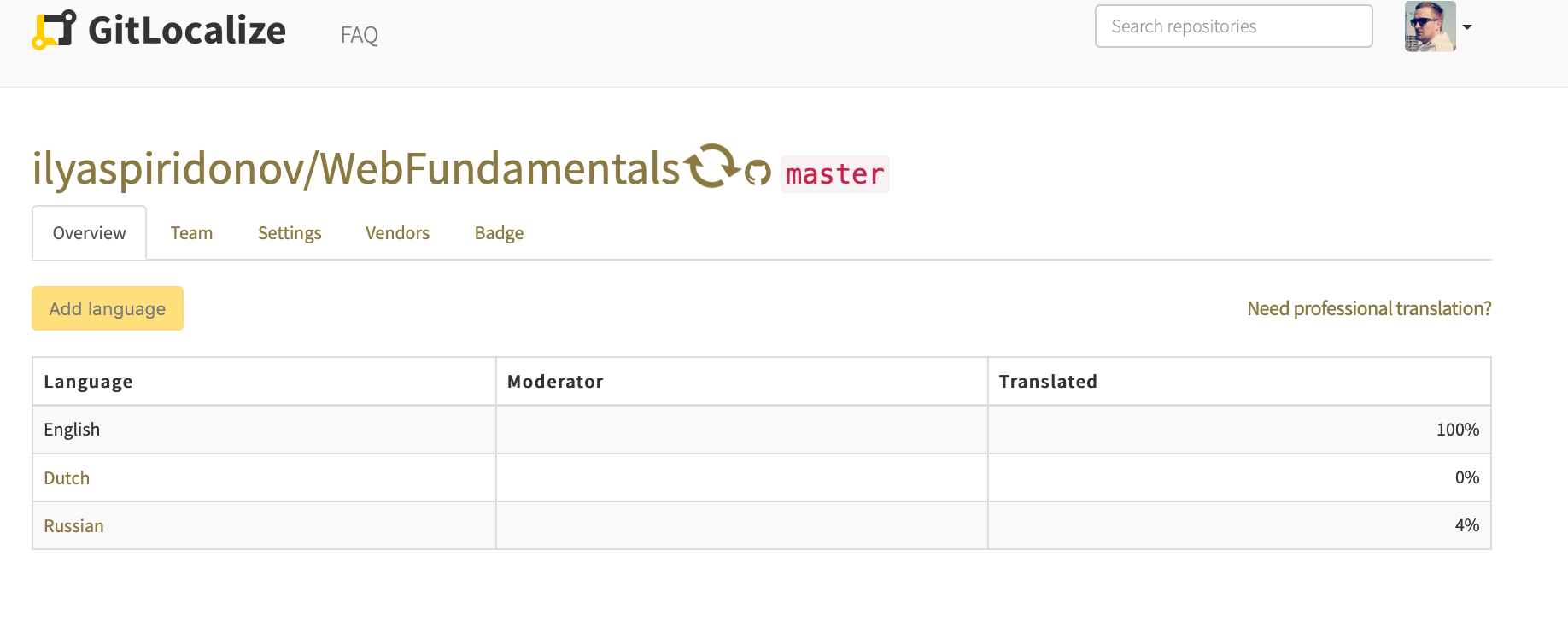
What a sync does
- Pulls source files matching the configured paths.
- Parses them into segments.
- Imports translations already present in the repository and links their segments to the source.
Rate limits
GitLocalize reaches GitHub through GitHub Apps and the GitHub API, which allows 5,000 API calls per hour per repository. A sync needing more calls than remain in the current window pauses and continues in the next one.Duration
An initial sync is the slowest, because every file and every existing translation has to be read and parsed. Expect it to take longer when:- the repository contains many files;
- the repository has many target languages;
- a previous sync already consumed the hour’s API budget.
If a sync has been running for several days, something is wrong. Get in touch through the
contact form, or ask in the
community chat.