Target paths serve double duty: GitLocalize writes translations there, and also scans the same
locations when importing translations that already exist in the repository.
Default configuration
/ko/..., German under /de/....
Directory-based paths
/src/site/content/en. Korean translations are read from and written to
/src/site/content/translations-ko, German to /src/site/content/translations-de.
File-based paths
A path can name a single file rather than a directory:Mixed-type paths
A directory source can pair with a filename-based target, keeping translations beside their sources:a4a_spec.md is written to the same guides-and-tutorials directory as
a4a_spec@de.md.
Custom language codes
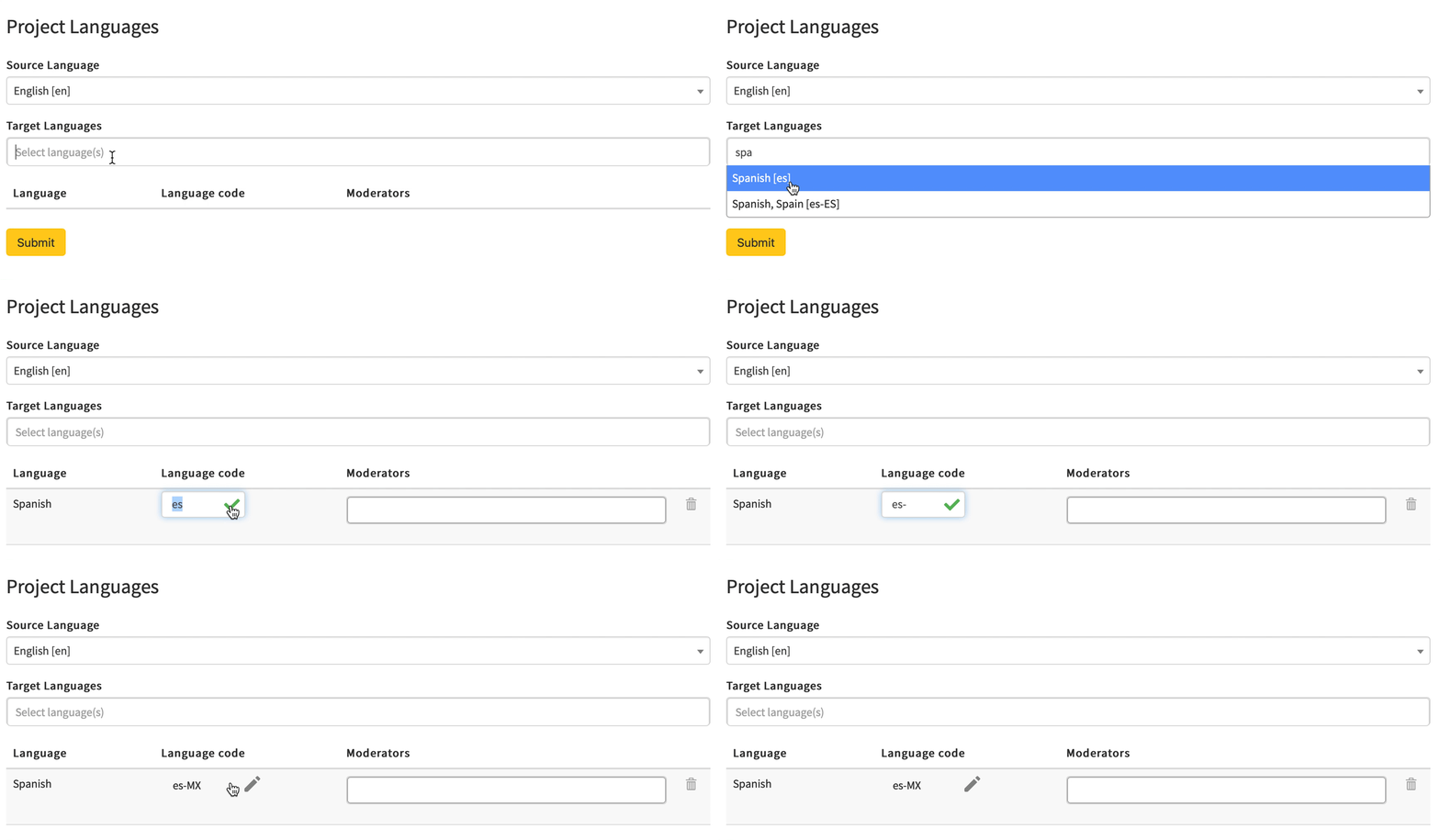
By default%lang% resolves to GitLocalize’s own code for each language. Each language can override
it — pt-BR instead of pt, or jp instead of ja — so output lands where the repository expects
it.
Codes are set when the repository is connected, or later under Manage Languages in the Languages
view. Both are available to Admins and the Owner.