

1
Sign up with GitHub
Sign up at gitlocalize.com and authorize the GitLocalize GitHub app.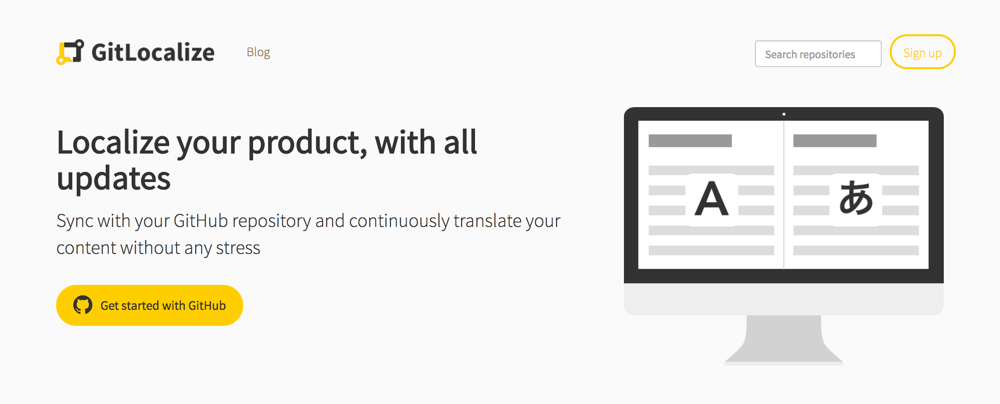
2
Connect a repository
Click Add repository, then choose the repository, its source and target paths, and its
languages.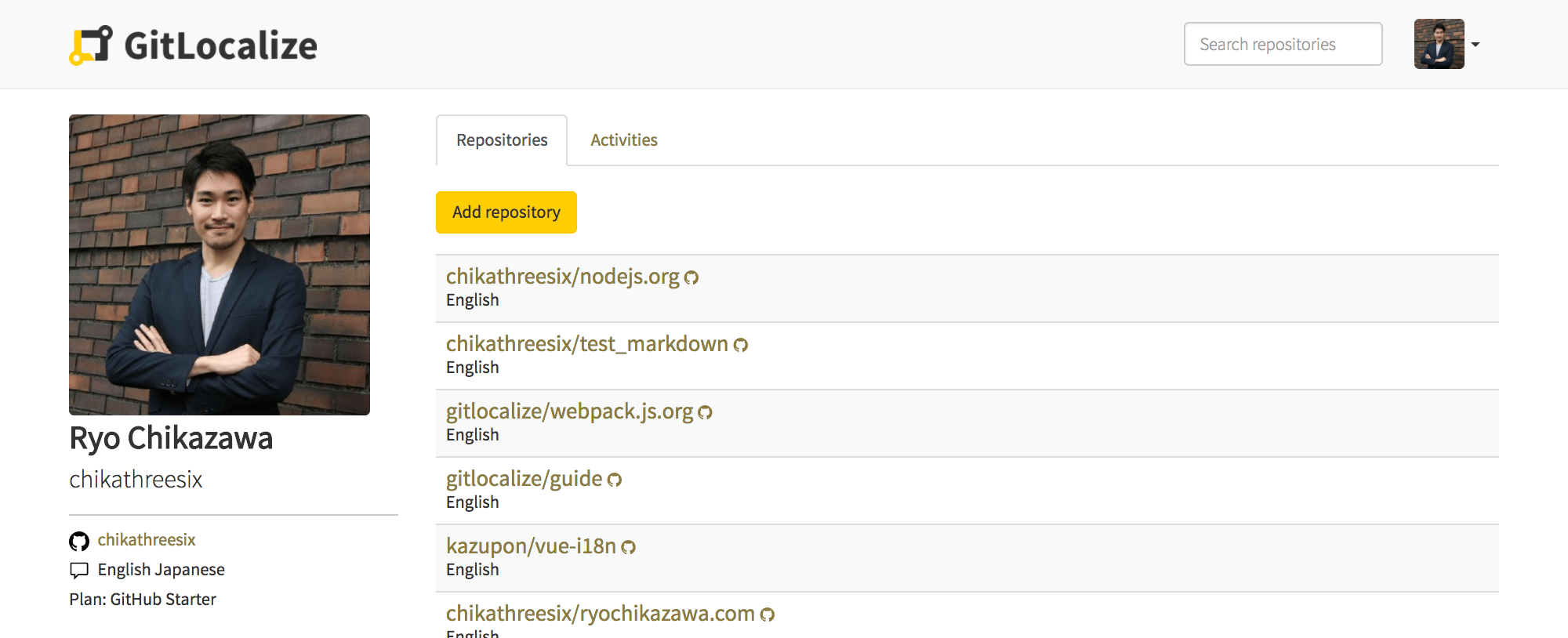
3
Wait for the first sync
GitLocalize pulls the matching files and parses them into segments. On a large repository this
takes hours rather than minutes — see Syncing.
4
Translate a file
Open a file in the editor. Source and translation sit side by side, and untranslated segments are
highlighted.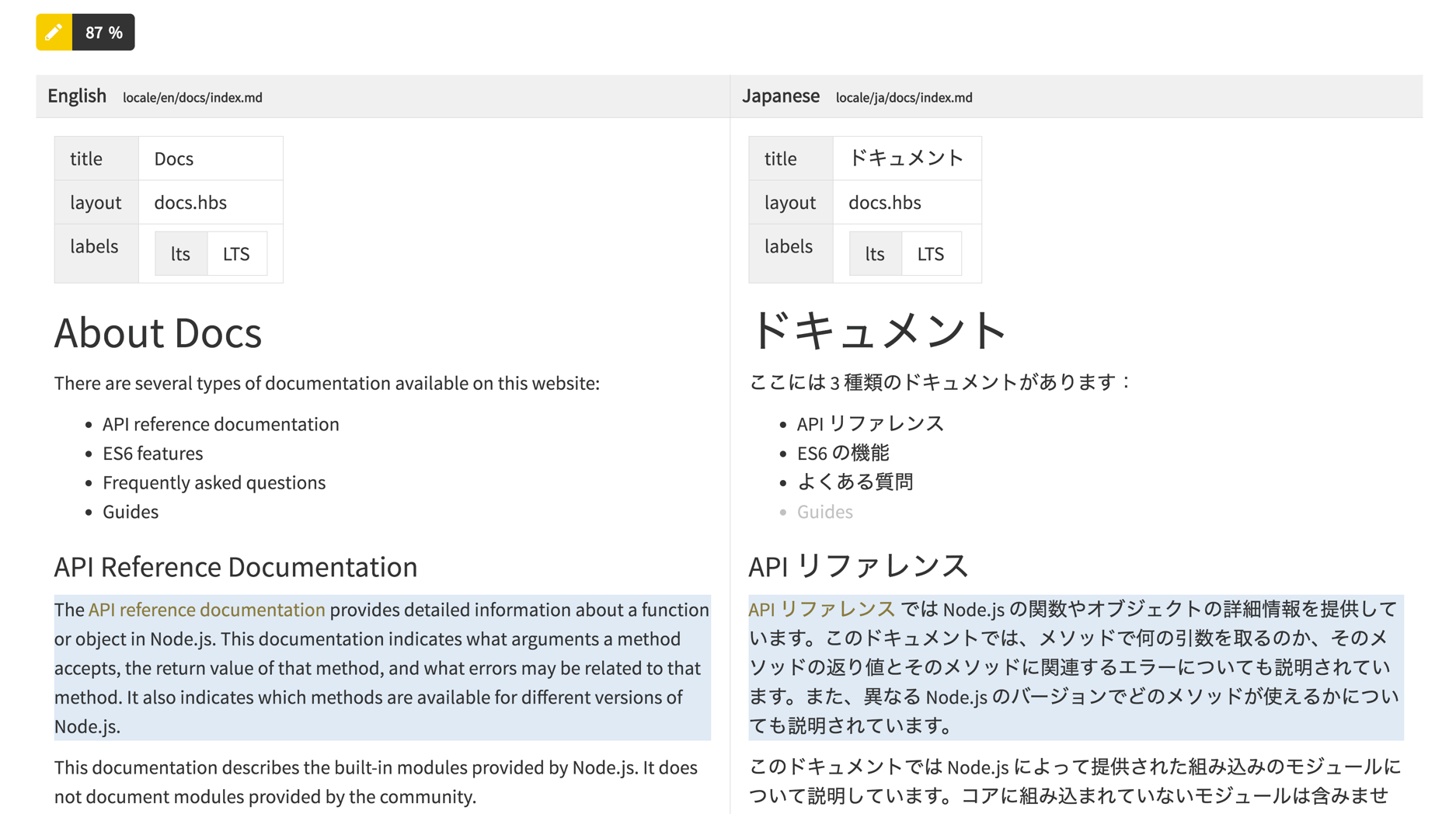
5
Send it for review
Create Review Request sends the file to a Language Moderator. Once approved it becomes a pull
request against your repository — see Reviews and pull requests.
Next
How it works
Segments, linking, and why translations stay in step with the source.
Roles and notifications
Add translators and moderators, and see what each can do.