

Permissions
Owner
Assigned automatically to the person who connected the repository.Admin
Full control short of ownership: manage the team, create and close review requests, edit translations awaiting review, and open pull requests.Language Moderator
Reviews translations for one language. Can edit translations awaiting review and open pull requests, but only for the language they moderate. Moderators are assigned per language. Someone moderating three languages is added three times, once for each.Translator
Adds and updates translations, and creates review requests. Cannot open pull requests — their work reaches GitHub through a moderator.Vendor roles
Translator (Vendor) and Admin (Vendor) are functionally identical to the regular Translator and Admin roles. They exist to distinguish people supplied by a third-party language service provider from your own team.GitLocalize is operated by Alconost, a multi-language vendor. To have
translation done professionally rather than in-house or by a community,
get in touch.
Adding members
Type a person’s GitHub handle, select a role, and click Add.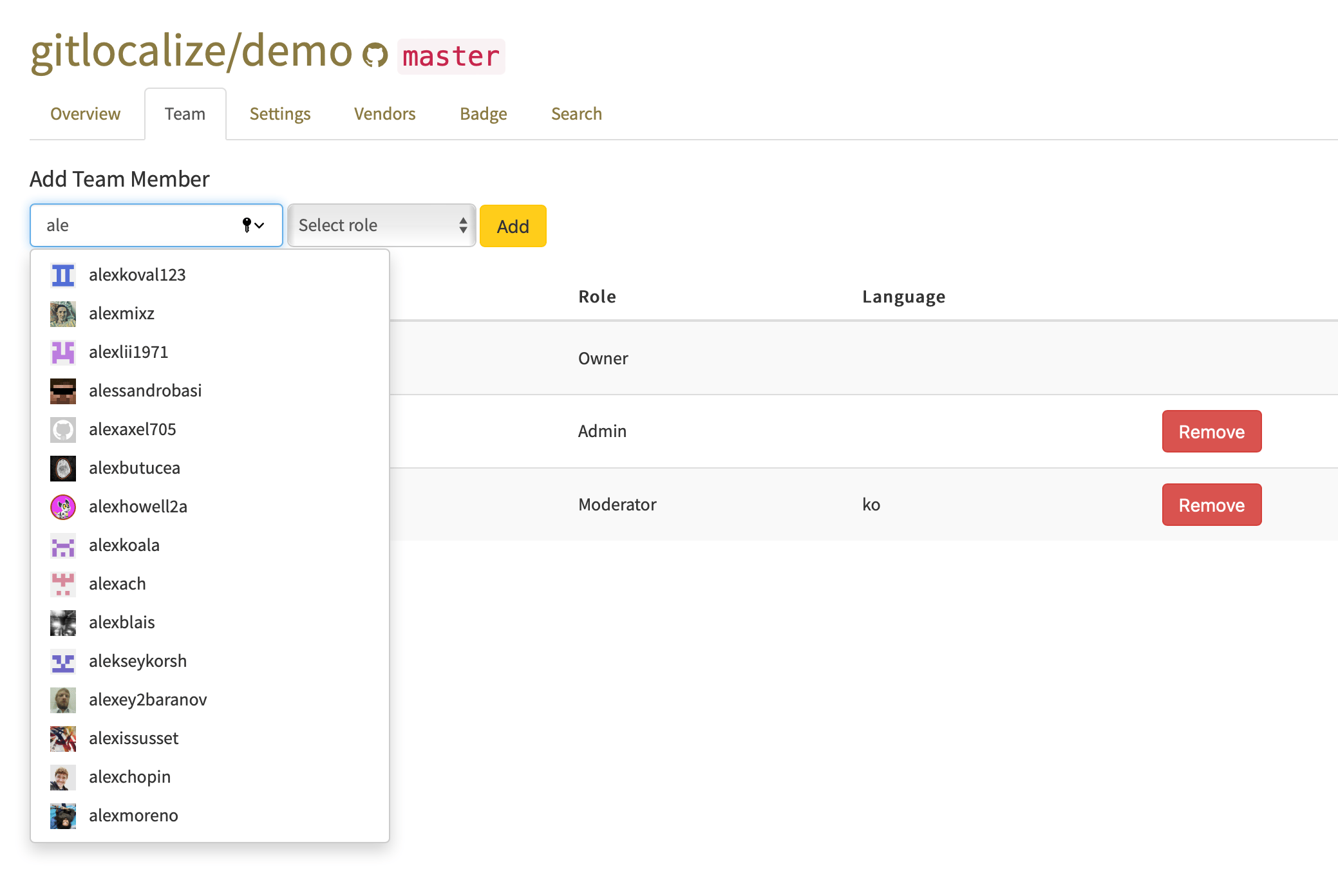
A handle that doesn’t autocomplete belongs to someone without a GitLocalize account. They need to
sign in to GitLocalize once with their GitHub account before they can be added.