> ## Documentation Index
> Fetch the complete documentation index at: https://docs.gitlocalize.com/llms.txt
> Use this file to discover all available pages before exploring further.
# Syncing
> How GitLocalize keeps a connected repository in step with GitHub, and why a large initial sync takes hours.
Syncing is how GitLocalize keeps a connected repository in step with GitHub. It runs when you first
connect a repository, and again as the source files change.
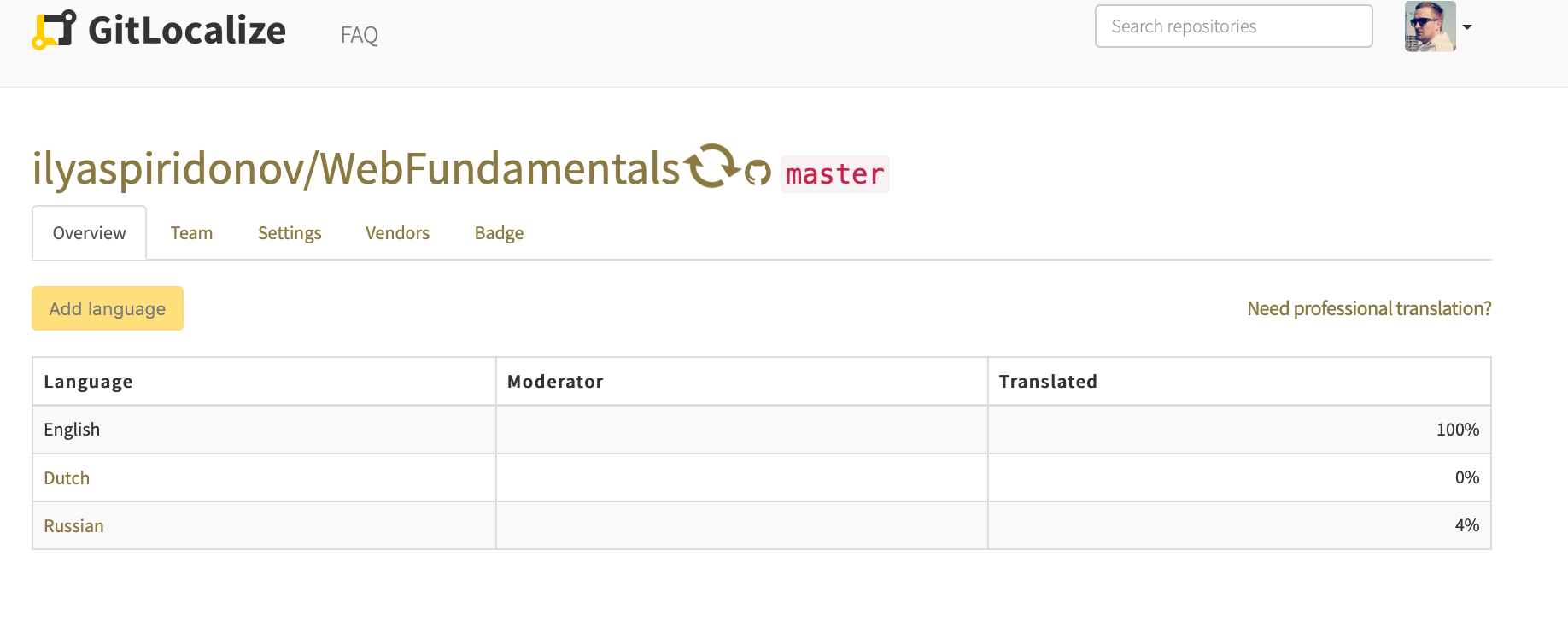
A spinner beside the repository name indicates a sync in progress.
 ## What a sync does
* Pulls source files matching the configured [paths](/paths).
* Parses them into [segments](/how-it-works#segments).
* Imports translations already present in the repository and links their segments to the source.
Translations that cannot be matched arrive as [conflicts](/conflicts).
## Rate limits
GitLocalize reaches GitHub through GitHub Apps and the GitHub API, which allows **5,000 API calls per
hour per repository**. A sync needing more calls than remain in the current window pauses and
continues in the next one.
## Duration
An initial sync is the slowest, because every file and every existing translation has to be read and
parsed. Expect it to take longer when:
* the repository contains many files;
* the repository has many target languages;
* a previous sync already consumed the hour's API budget.
Allow a few hours for an initial sync on a large repository.
If a sync has been running for several days, something is wrong. Get in touch through the
[contact form](https://gitlocalize.com/inquiries/new), or ask in the
[community chat](https://app.gitter.im/#/room/#gitlocalize:gitter.im).
## What a sync does
* Pulls source files matching the configured [paths](/paths).
* Parses them into [segments](/how-it-works#segments).
* Imports translations already present in the repository and links their segments to the source.
Translations that cannot be matched arrive as [conflicts](/conflicts).
## Rate limits
GitLocalize reaches GitHub through GitHub Apps and the GitHub API, which allows **5,000 API calls per
hour per repository**. A sync needing more calls than remain in the current window pauses and
continues in the next one.
## Duration
An initial sync is the slowest, because every file and every existing translation has to be read and
parsed. Expect it to take longer when:
* the repository contains many files;
* the repository has many target languages;
* a previous sync already consumed the hour's API budget.
Allow a few hours for an initial sync on a large repository.
If a sync has been running for several days, something is wrong. Get in touch through the
[contact form](https://gitlocalize.com/inquiries/new), or ask in the
[community chat](https://app.gitter.im/#/room/#gitlocalize:gitter.im).