> ## Documentation Index
> Fetch the complete documentation index at: https://docs.gitlocalize.com/llms.txt
> Use this file to discover all available pages before exploring further.
# Statistics
> Translation volume by language, folder, and file, measured in characters and words.
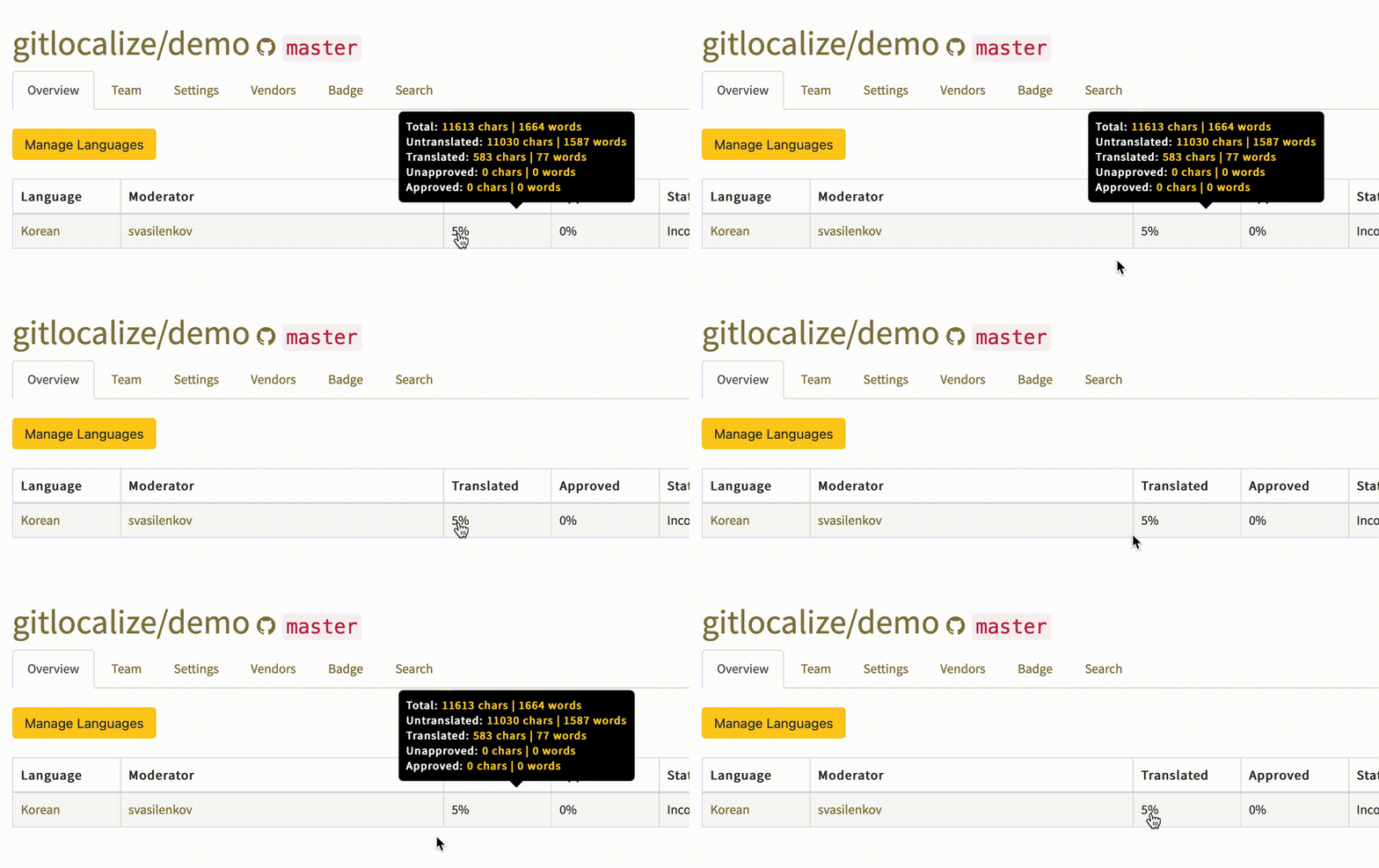
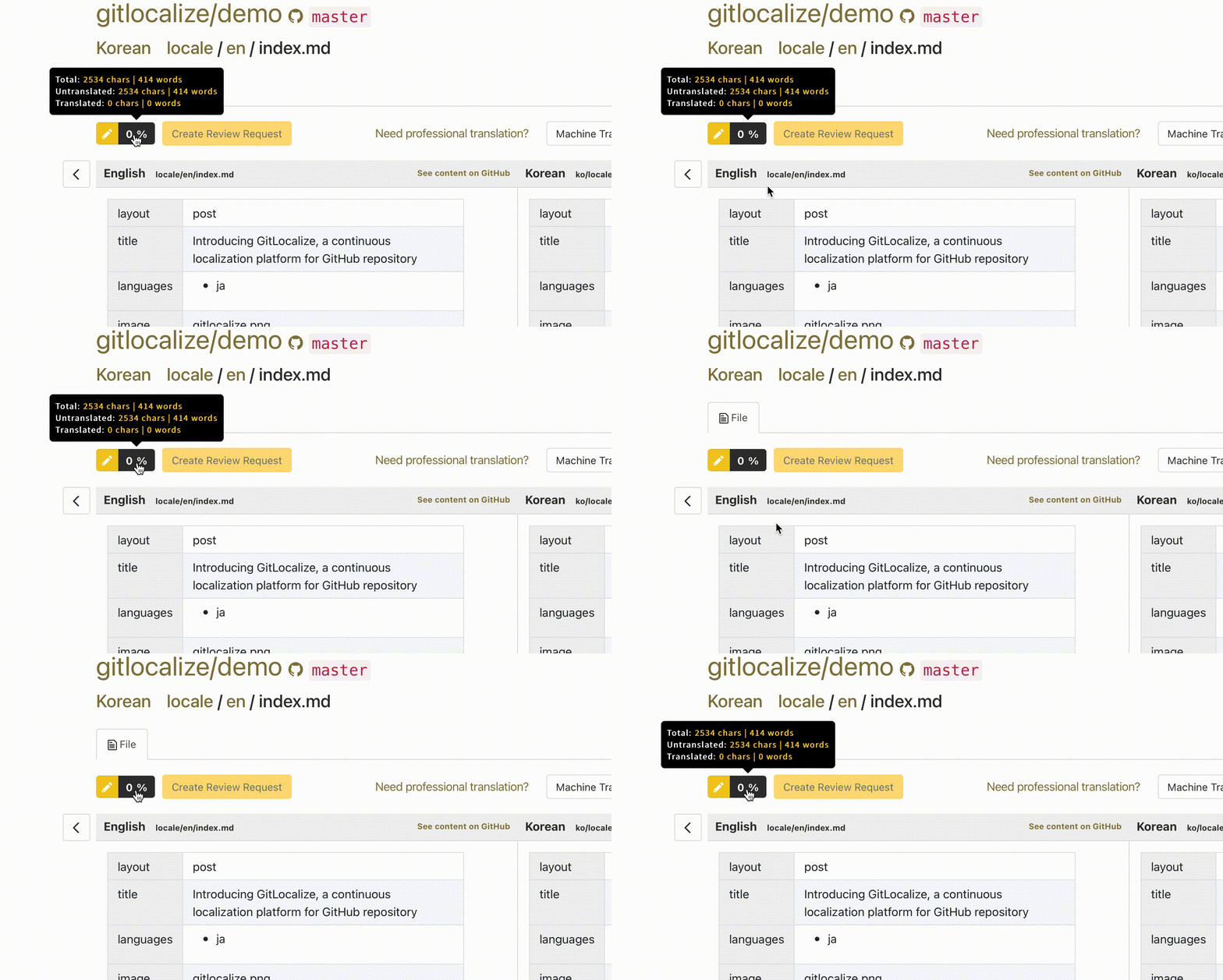
Statistics report translation volume for any language, folder, or file, counted both in characters
(with spaces) and in words:
| Measure | Counts |
| ------------ | --------------------------------------------- |
| Total | All translatable content |
| Untranslated | Segments with no translation |
| Translated | Segments with a translation |
| Unapproved | Translated, still awaiting moderator review |
| Approved | Reviewed and approved by a Language Moderator |
These correspond to the [segment states](/how-it-works#segment-states) GitLocalize tracks, which is
why the figures agree with the completion percentages shown in the file browser.
Click any percentage figure — in the file browser or in the editor — to open the statistics for it.
 Extended statistics — volume and dynamics by language, user and month — are available on Enterprise
plans. [Contact us](https://gitlocalize.com/inquiries/new) for more information.
Extended statistics — volume and dynamics by language, user and month — are available on Enterprise
plans. [Contact us](https://gitlocalize.com/inquiries/new) for more information.